Updated Icons and Sidebar Styling
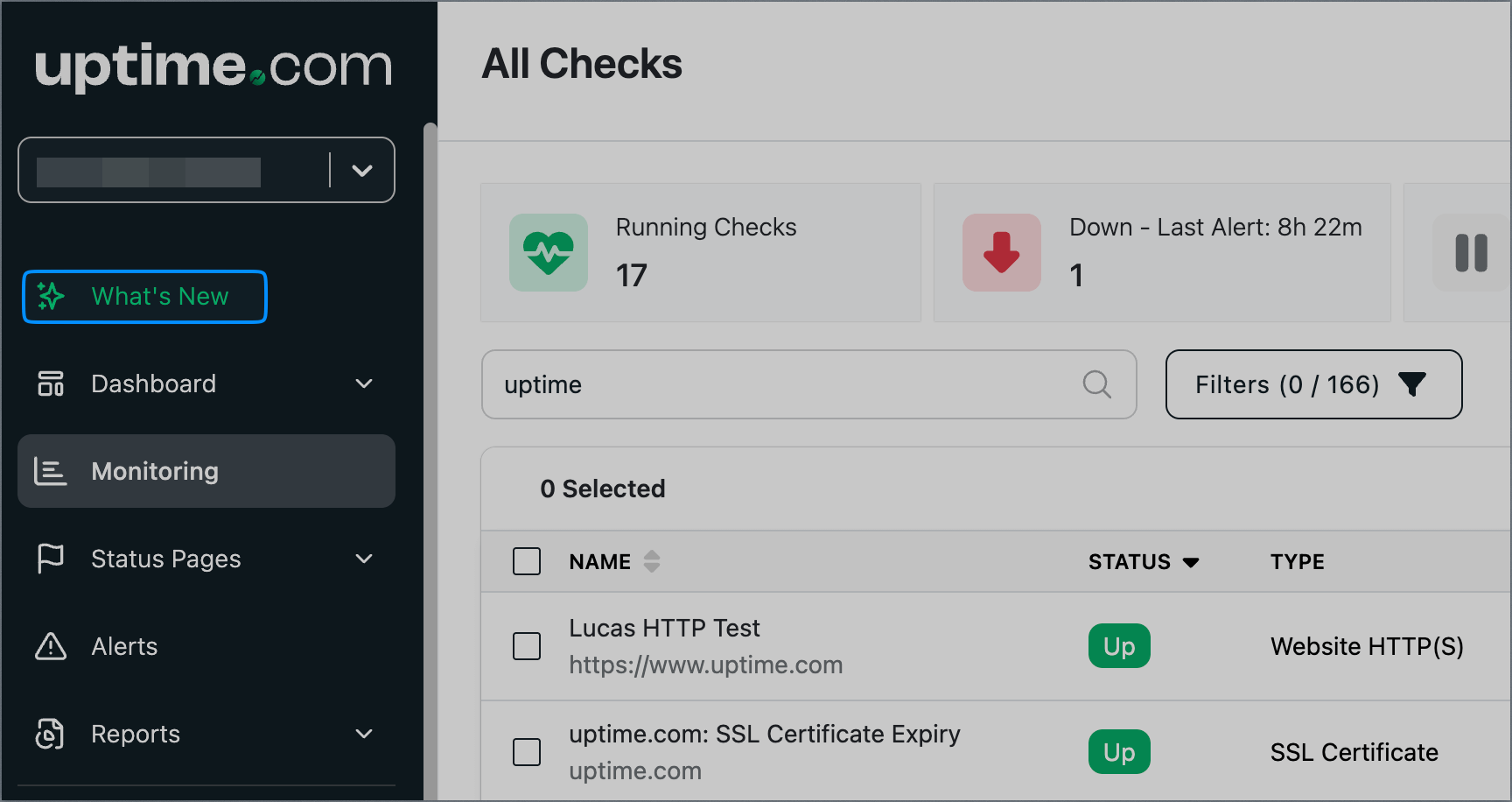
We have updated icons in the What’s New and Report section, and improved coloring for the sidebar navigation.
What’s New will change to green once there’s an update. Click it to read it, and once you close the drawer, it will change to white indicating that it has been read.
For more information about the menu bar or the changes, contact us at support@uptime.com.