Override Default Date Range for Scheduled Reports
We have added the ability to set a specific date range for your scheduled SLA reports, which can override the default date range for the SLA report.
To use this feature, when creating or editing a Scheduled Report, use the Override Report Date Range field to specify the date range you would like to use for the scheduled report specifically:
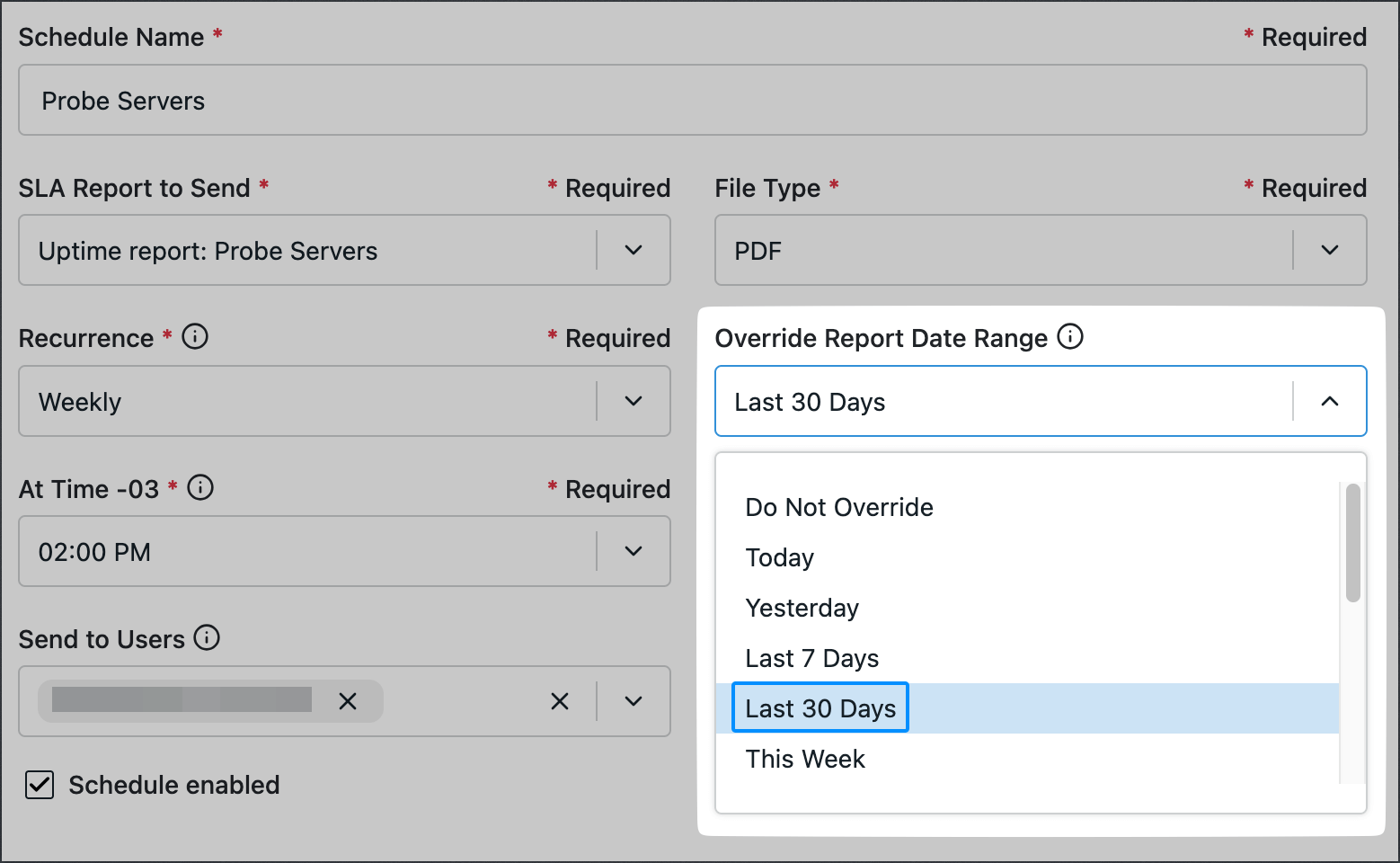
This overrides the default date range for the corresponding SLA report, so you can have a date range specifically for your scheduled reports that works for your use case.
To see more about scheduling SLA reports, see our documentation here.