New Date Range Filter Options on Check Analysis Page
We have now added new options for selecting a date range in the filter found on the Check Analysis page.
When viewing the Check Analysis page and by selecting the date range option, there are two new filter options:
- Last hour
- Last 4 hour
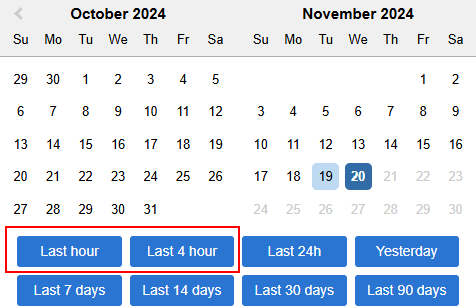
Please Note: This option is only available from Uptime NextGenUI.

For more information, please read our documentation on Selecting Dates for Reporting.