Improved Status Pages External User Management
We’ve updated our External User user management capabilities for Status Pages. Admins can reset External User passwords, as well as invite single users to multiple Status Pages within the account.
Reset Password
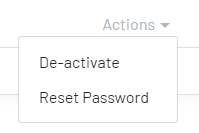
Users with Admin permissions can reset an external users’ password, by clicking the Actions > Reset Password button.
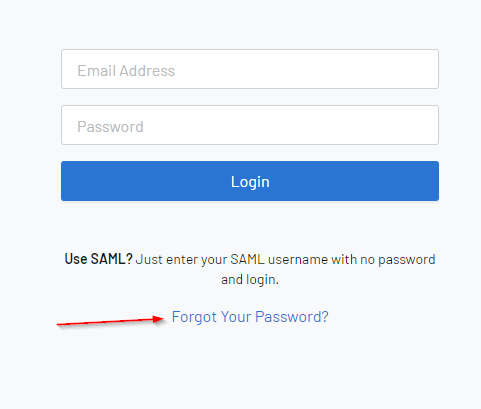
External Users can also reset their own password at the Status Page Login screen.
Invite the same External User to another Status Page
There is now an option to invite the same external user to multiple status pages, as opposed to just the one.
Simply, navigate to the External Users section, and select the New User button. Enter the details required for the user, and select Save.
Please Note: For the External Users section to appear, you will need the Status Page Visibility Level set to External Users.
For more information, please see our documentation on improved status pages external user management features.