Updated Alert Details View
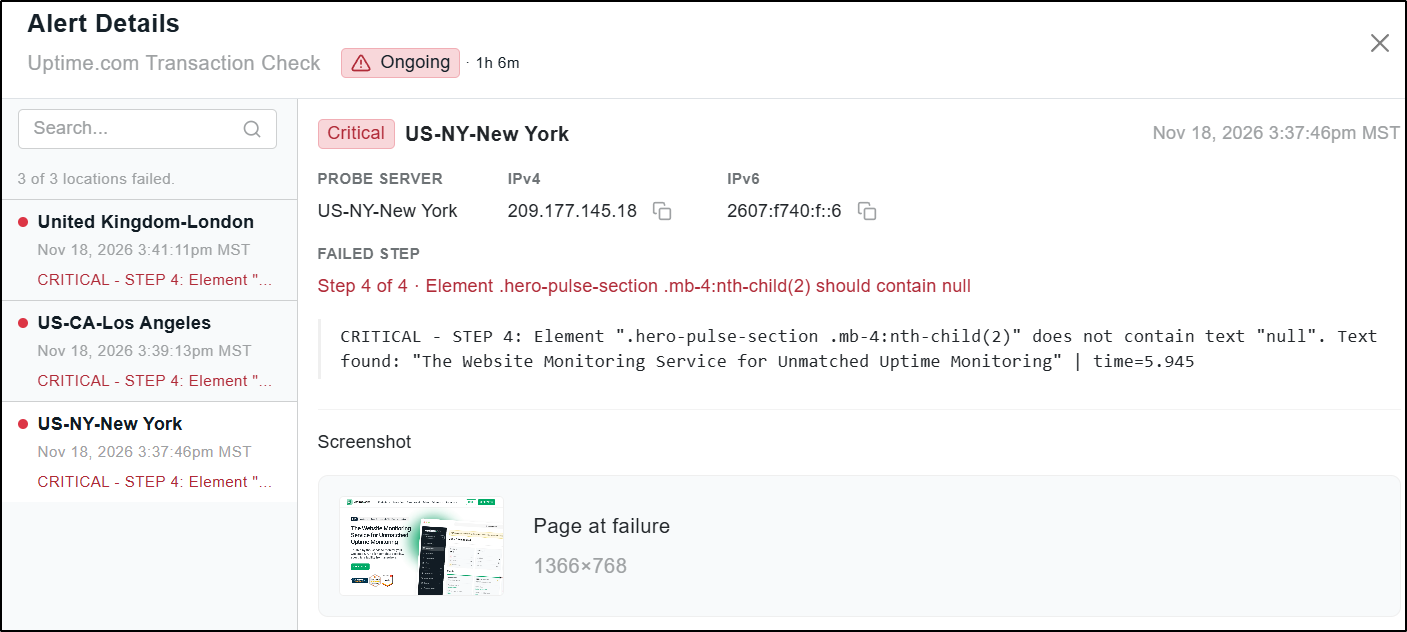
We’ve updated the Alert Details view with an improved interface that makes it easier to access technical details related to an alert from specific probe server locations. When viewing an alert, click the name of the probe servers on the left to view each server’s response and technical details. Additionally, Transaction checks now include a screenshot link in Alert Details, allowing you to quickly see how the page looked when the error occurred:
For more information about the Alert Details view, see our documentation on Overview of Alerts.