Timezone Selector Added to Share Check Analysis Function
We have recently added the option of selecting a timezone when sharing a Check Analysis report. This allows you to select a timezone when viewing a shared Check Analysis so that you can view report metrics from your own local time.
Navigate to the Check Analysis page, click the Share Check Analysis button, and click Copy Link.
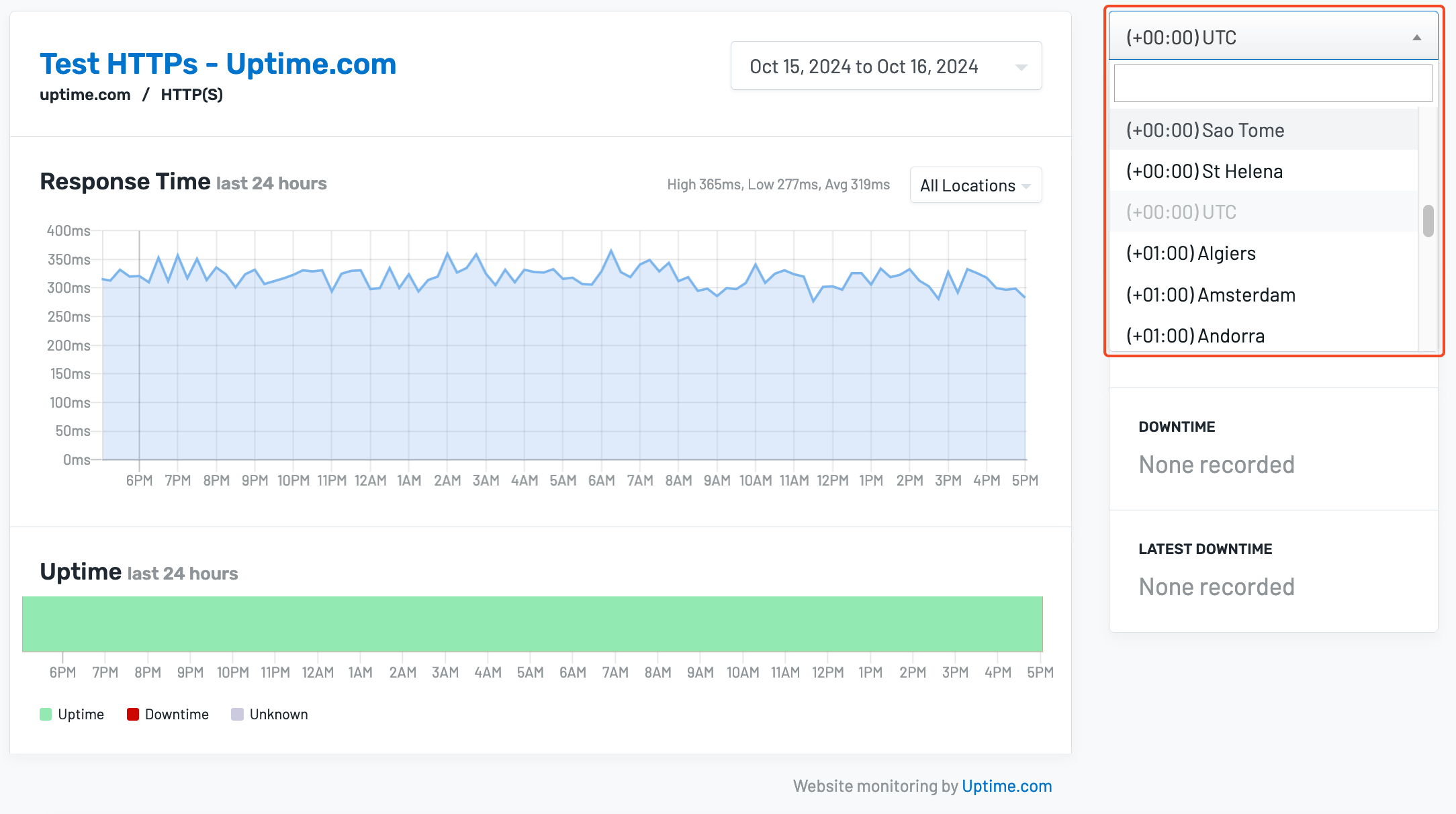
When this link is shared, viewers will be able to see the graph and metrics adjusted to their desired timezone by clicking the timezone drop-down in the upper right of the page:
For more information, please see our documentation on the Share Check Analysis function.