Streamlined Status Page Navigation
We’re excited to introduce a redesigned Status Page navigation that makes managing your pages and incidents easier than ever.
The updates are as follows:
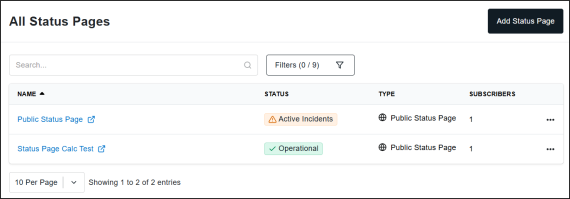
- Unified Status Pages View: Access all your Status Pages in one clean, consolidated location by clicking Status Pages > All Status Pages. No more navigating between Public, SLA, and Internal sections. Additional searching and filtering options also make it easier to drill down and find the Status Pages you need to view and manage.
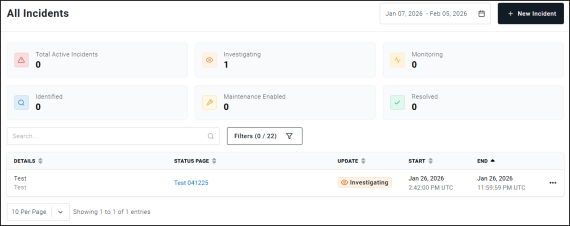
- Dedicated Incidents Page: Manage incidents with ease from a new dedicated page, accessed by clicking Status Pages > Incidents. View all incidents across your Status Pages at a glance, and create or update incidents directly.
For more information on managing Status Pages and Incidents, check our documentation: Setup Instructions for Your Uptime.com Status Page and Status Page Incidents. If you have any questions, email support@uptime.com.