Status Page Upgrades
Status Page Subscription Management
Uptime.com has now added the ability to manage your Slack subscribers from your Status Page Subscribers section.
Navigate to your Status Page settings, and under the Subscribers tab, select the Slack option. The Slack Workspace, Channel and Date Added are displayed.

There is also an option to delete the subscriber using the bin icon.
For more information, please see our documentation on Status Page Subscription Management.
Status Page Time Format Update
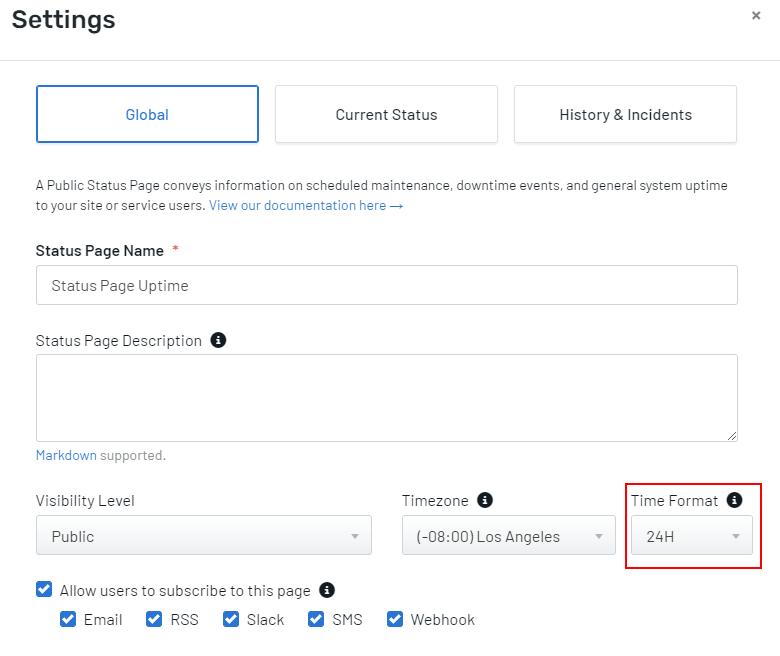
Uptime.com now offers the ability to change your Status Page Time format to be either the 12H format or 24H format.
Simply navigate to your Status Page settings and under the Global tab you will find the Time Format option. Select the time format that will be shown for events created on the Status Page.
For more information, please see our documentation on Status Page Time format update.