Send UP Alerts to Email and Integrations Only
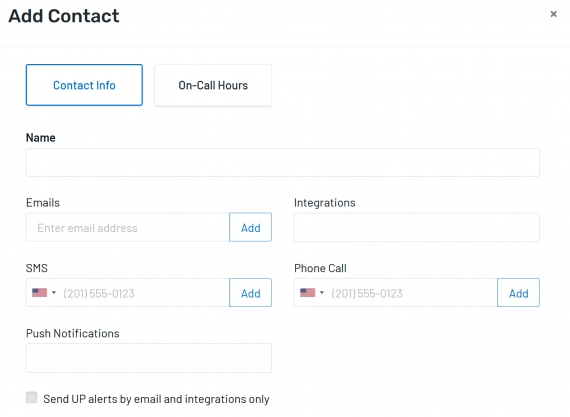
Your Uptime.com contacts can now be set to receive UP alerts via email or integration only. Phone and SMS notifications will receive DOWN notifications only to conserve limits when making this change. From the Contact screen, you can add a new contact or edit an existing one. Tick the box Send UP alerts via email and integration only to disable UP alerts sent to this contact’s SMS, phone, or mobile push notification.
More information is available on our Contacts support document.