Disable AJAX Tracking
We are happy to announce there is a new feature on the RUM (Real User Monitoring) check that will allow the disabling of AJAX tracking.
To disable AJAX Tracking on a RUM check, navigate to Monitoring > RUM, on the menu. Locate your existing RUM check or add a new check and click the Optional tab. The checkbox option to disable AJAX tracking will be present.
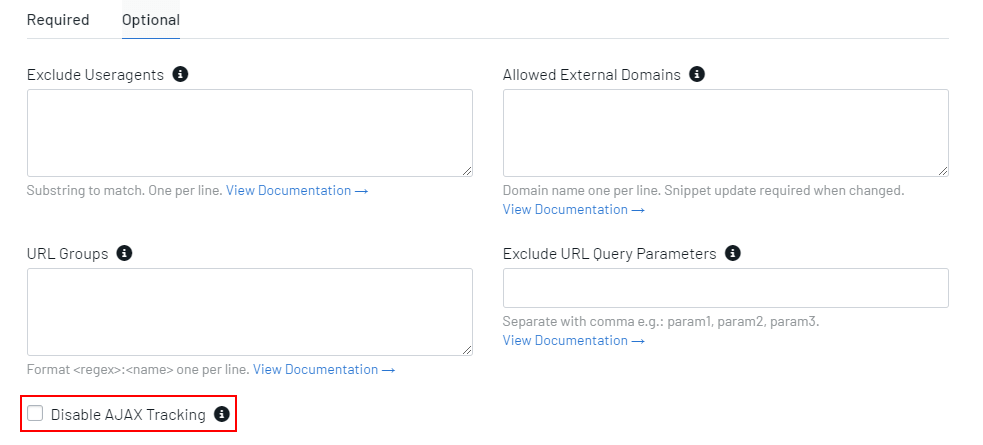
For more information, please see our documentation on the disable AJAX tracking feature.