Date & Time Format Preferences
Users can now specify their preferred Date and Time formats. Navigate to User Profile (Username menu > User Profile) in the Uptime.com web UI to choose from a variety of Date and Time formats.
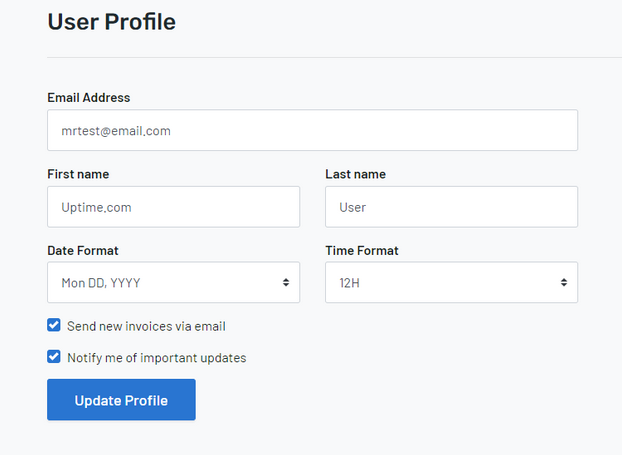
This will affect the individual user’s account for features such as check Alerts duration period, and Status Page.
Please note: This preference selection is only for formatting. Account time zone is separate, and configured for the entire account by Admin users or higher.
For more information and a full explanation of each action, check out our support article on date & time format selection.