Group Check Behavior | Reporting and Alerting
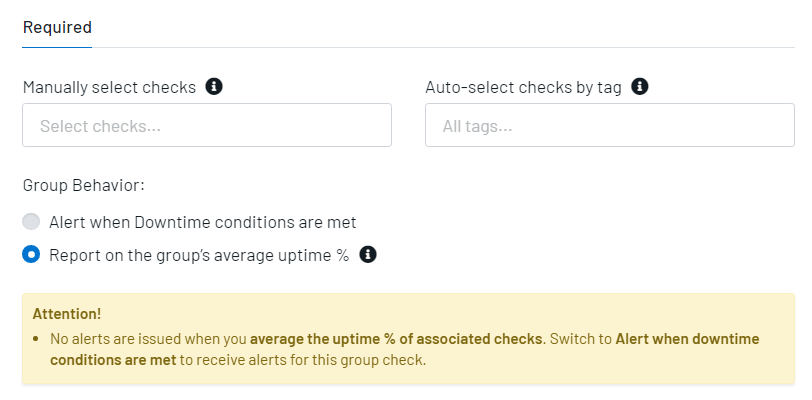
Group checks now have two modes of behavior: Alert when Downtime conditions are met or Report on the group’s average uptime %. When you Report on the group’s average uptime %, the group check will display uptime % as the average of all associated checks within that group. This behavior will disable alerts and prevent the addition of contacts to a Group Check.
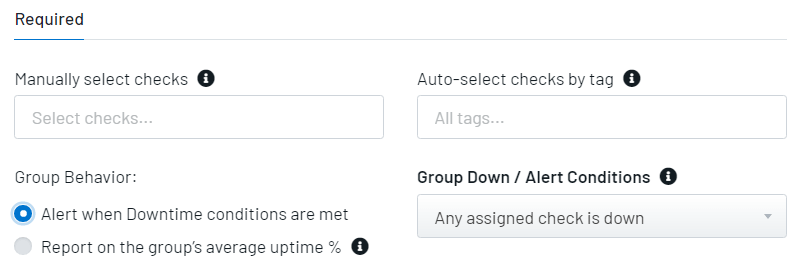
For normal alerting, select Alert when Downtime conditions are met.
More details are available in our Group Check support article.